
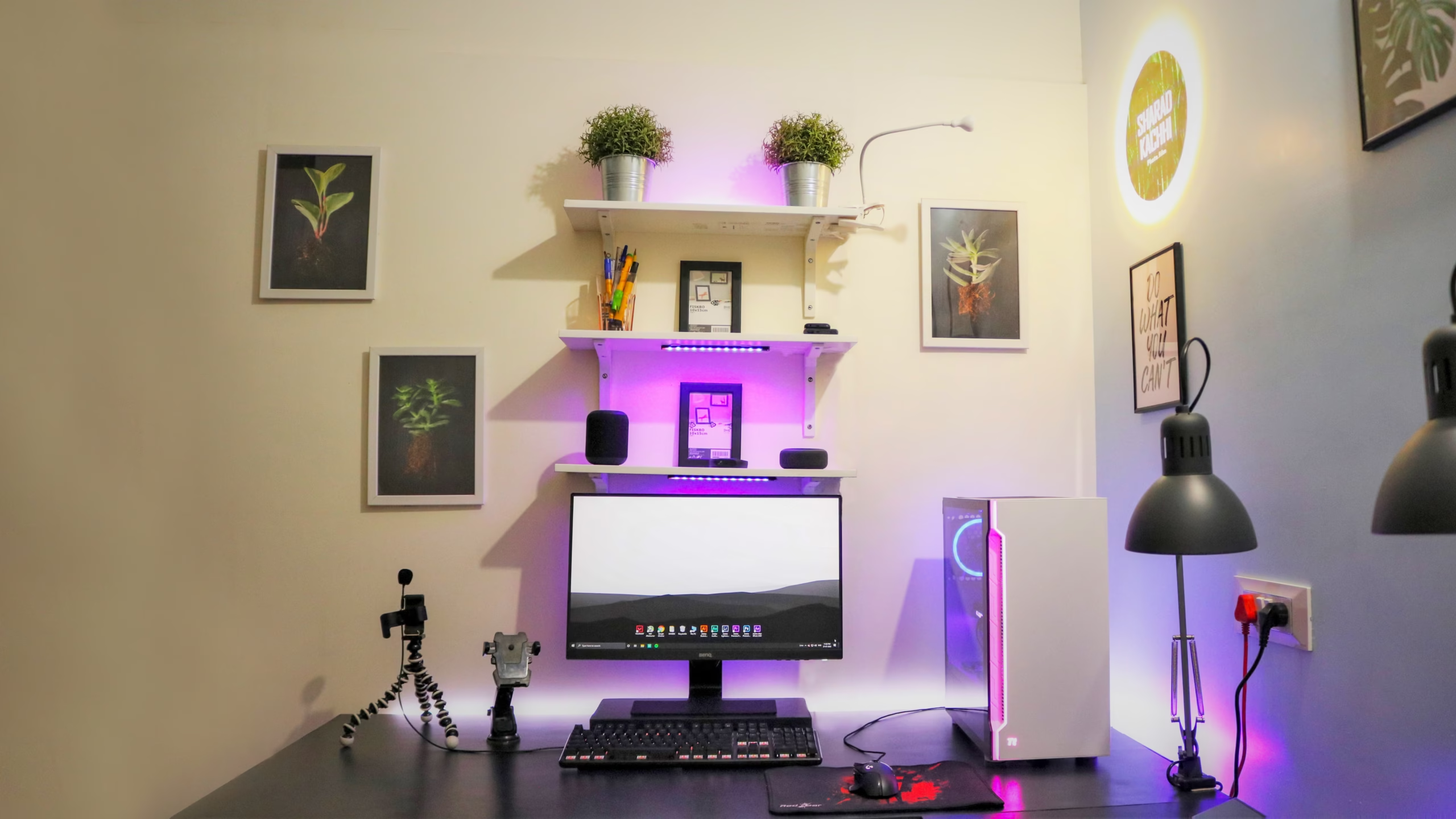
How to Build an Ergonomic Minimalist Home Office Setup Under $500

Working from home has shifted from a temporary perk to a permanent way of life for millions of professionals. However, sitting on a kitchen chair or hunching over a laptop at a coffee table quickly leads to lower back pain, wrist strain, and severe fatigue.
You don’t need to spend thousands of dollars on high-end designer furniture to build a professional workspace. With a strategic budget of $500, you can assemble an ergonomic, clutter-free, and highly aesthetic minimalist home office that protects your health and boosts daily productivity.
1. The Core Foundation: Ergonomic Chair ($150 – $200)
Your chair is the single most important investment in your home office setup. Poor posture directly affects your spinal alignment, causing long-term health issues and mid-afternoon energy slumps.
What to look for on a budget:
- Adjustable Lumbar Support: Ensure the chair provides firm support to the natural curve of your lower spine.
- Breathable Mesh Backing: Mesh keeps you cool during long working sessions compared to cheap synthetic leather that cracks over time.
- Adjustable Armrests: Your arms should rest comfortably at a 90-degree angle to prevent shoulder tension while typing.
Recommended budget picks: Fully mesh task chairs with built-in lumbar support from reputable office brands typically range from $150 to $180.
2. The Work Surface: Minimalist Desk ($100 – $130)
A minimalist desk keeps your physical visual space clear, reducing mental friction and distractions. You don’t need heavy drawers attached to your desk; instead, opt for a clean table-style desk with robust steel legs.
- Width and Depth: Aim for at least 47 inches in width and 24 inches in depth so your monitor isn’t sitting too close to your eyes.
- Cable Management Outlets: Look for desks with built-in cable grommets or under-desk trays to hide power strips out of sight.
3. Eye-Level Alignment: Monitor Stand or Arm ($30 – $50)
One of the biggest causes of neck strain is looking down at a laptop or monitor screen for 8 hours a day. The top third of your screen should sit directly at eye level when you are seated upright.
- If using a laptop: Pair a $25 aluminum laptop riser with an external Bluetooth keyboard and mouse.
- If using a desktop monitor: Install a single or dual gas-spring monitor arm ($35–$50) that clamps directly to the back of your desk. This lifts the display off the desk surface, freeing up valuable desktop real estate.
4. Peripheral Ergonomics: Keyboard & Mouse ($40 – $60)
Reaching awkwardly for a trackpad or flat keyboard causes repetitive strain injuries (RSI) in your wrists and forearms.
- Vertical or Ergonomic Mouse: A vertical mouse places your hand in a natural “handshake” position, drastically reducing wrist pressure.
- Low-Profile or Curved Keyboard: Choose a keyboard that keeps your wrists flat rather than angled upward. Adding a memory foam wrist rest ($10) provides immediate relief.
5. Atmosphere & Lighting ($30 – $40)
Harsh overhead lighting causes eye strain and headaches, while dark rooms make you feel sluggish. Proper lighting balances the contrast from your monitor screen.
- Monitor Screenbar Light: A USB-powered light bar sits directly on top of your monitor, illuminating your desk without creating screen glare.
- Warmer Temperature LED Bulb: Use warm light (2700K – 3000K) in the evening to reduce blue light exposure before finishing your work day.
Budget Breakdown Summary
| Component | Estimated Cost |
|---|---|
| Ergonomic Mesh Chair | $170 |
| Minimalist Work Desk | $120 |
| Monitor Arm / Riser Stand | $40 |
| Ergonomic Mouse & Keyboard | $50 |
| Monitor Light Bar & Cable Management | $35 |
| Total Investment | $415 |
Final Advice for a Clean Setup
The secret to making a $400 office look like a $2,000 workspace is cable management. Use inexpensive zip ties or adhesive cable clips under your desk to route all power cords along the desk legs. A clean desk creates a clear mind.
